
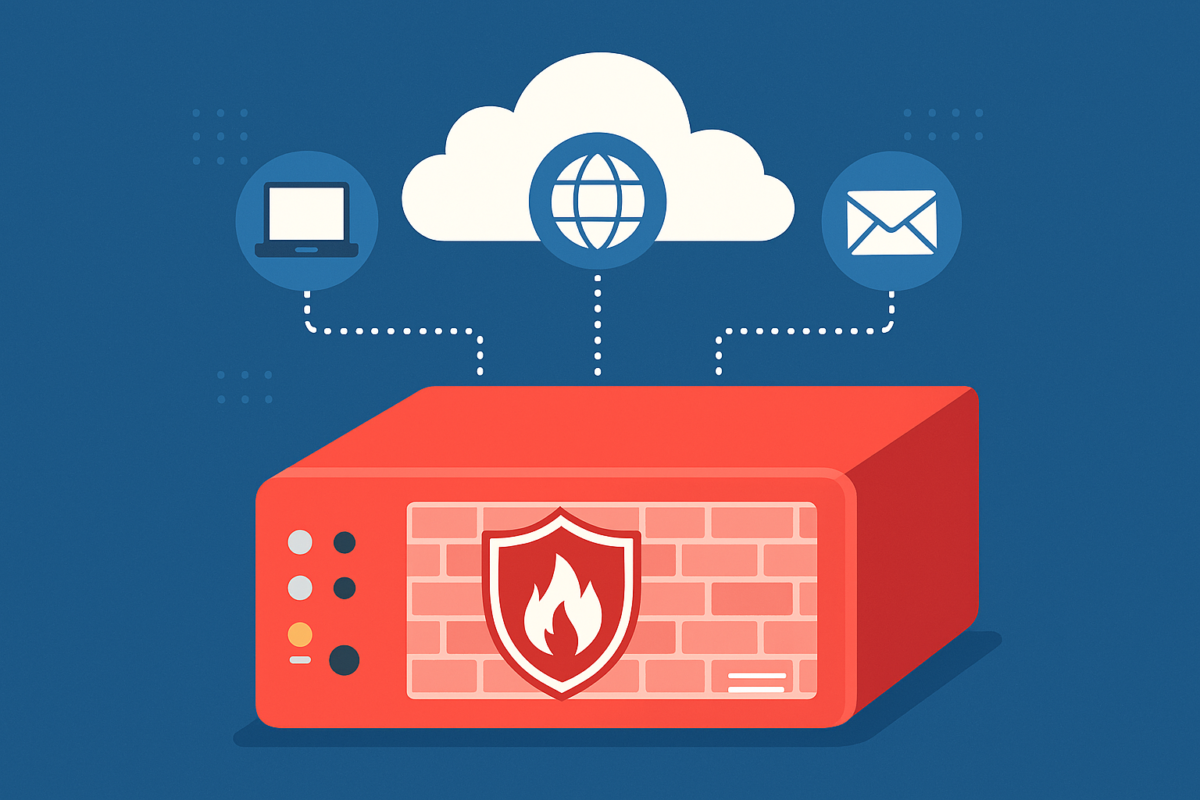
Introduction: The Modern Security Paradox
In the modern business landscape, the shift toward digital transformation has been absolute. As a government or business leader, you’ve likely invested heavily in cloud solutions to streamline operations, enhance collaboration, and bolster your security posture. It’s a common and logical assumption: if my applications, databases, and emails live in the secure environments of Microsoft Azure, AWS, or Google Cloud, isn’t my organization automatically protected?
While these cloud platforms are indeed world-class in their security measures, this assumption overlooks a critical vulnerability: your local network and the users who inhabit it. The ‘cloud’ isn’t a magical bubble that exists in isolation; it is accessed through a physical gateway—your office’s internet connection. Without a dedicated firewall security appliance, you are essentially leaving the front door to your digital house unlocked while relying on the safe in the back room to keep you secure.
The Cloud Doesn’t Eliminate Local Risk
Cloud platforms secure their own infrastructure, but they do not control what happens on your local network. Every device your team uses—laptops, desktops, VOIP phones, and even smart office devices—connects through your local area network (LAN) before it ever reaches the cloud. This ‘last mile’ of connectivity is where many of the most devastating cyberattacks begin.
If that local network is unprotected, cybercriminals can exploit it to:
- Intercept sensitive data in transit before it is encrypted by the cloud application.
- Deploy ransomware that spreads laterally across your office from one infected laptop to every other machine.
- Launch sophisticated phishing attacks that trick employees into giving up credentials, bypassing even the best cloud security.
- Exfiltrate proprietary business information through ‘backdoors’ left open by unmanaged routers.
What Exactly is a Firewall Security Appliance?
Think of a firewall as a digital gatekeeper or a high-tech border patrol agent stationed at the edge of your network. In the past, firewalls were simple filters that looked at the ‘address’ of incoming traffic. Today’s Next-Generation Firewalls (NGFW) or Unified Threat Management (UTM) appliances do much more.
Core Functions of a Modern Security Appliance:
- Deep Packet Inspection (DPI): Unlike basic routers, a security appliance opens up the ‘envelopes’ of data entering your network to see if there is a virus hidden inside, even if the address looks safe.
- Intrusion Prevention Systems (IPS): This actively monitors network traffic for suspicious patterns that indicate a hacking attempt in progress and shuts it down instantly.
- Content and URL Filtering: Leaders can control what sites are accessible on the company network, preventing employees from accidentally visiting malicious ‘drive-by’ download sites or productivity-draining content.
- Virtual Private Network (VPN) Support: For a mobile workforce, the appliance provides a secure, encrypted tunnel back to the office, ensuring that remote work doesn’t become a security liability.
Why Leaders Should Care: The Business Impact
Cyberattacks are no longer rare occurrences—they are a constant, automated background noise of the internet. Government agencies and private businesses in Indiana are prime targets because of the high value of the data they handle. For a CEO or Executive Director, a security breach isn’t just an IT problem; it’s a catastrophic business event.
A single successful breach can lead to:
- Direct Financial Loss: Costs associated with ransom payments, legal fees, and forensic investigations.
- Operational Downtime: If your network is paralyzed by malware, your team can’t work. Every hour of downtime is lost revenue.
- Erosion of Public Trust: For government entities or professional service firms, reputation is everything. Regaining trust after a data leak can take years, if it’s possible at all.
- Compliance Failures: Regulations like HIPAA, CMMC, or PCI-DSS require specific hardware security measures. Without a firewall, you may be in violation of federal or industry standards.
Managed IT Services and Firewalls: The Ultimate Defense
Simply buying a firewall and plugging it in isn’t enough. A firewall is a living security tool that requires expert configuration, constant monitoring, and frequent updates to stay ahead of new threats. This is where Managed IT Services become invaluable.
When you partner with a provider like Leap Managed IT, your firewall becomes a ‘Managed Firewall.’ This means:
- Proactive Updates: We ensure your security patches are applied the moment they are released, closing ‘Zero Day’ vulnerabilities.
- Threat Intelligence: Your appliance is fed real-time data from global security networks, allowing it to block threats that emerged only minutes ago.
- Log Monitoring: We watch the traffic patterns. If we see a sudden spike in data leaving your network at 2:00 AM, we can intervene before your data is gone.
- Hardware Lifecycle Management: As internet speeds increase and threats evolve, we ensure your hardware is capable of handling the load without slowing down your business.
Frequently Asked Questions about Firewall Security Appliances
What is the difference between a standard router and a firewall security appliance?
A standard router is like a mailbox; it simply directs traffic to the right address. A firewall security appliance is like a security guard who opens every piece of mail to check for explosives or contraband before allowing it into the building. Routers provide connectivity; security appliances provide protection.
If we use Microsoft 365 or Google Workspace, do we still need a physical firewall?
Yes. While those services are secure, your local network is the ‘tunnel’ you use to get to them. If a hacker enters your network through an unprotected port, they can install keyloggers on your computers to steal your cloud passwords, rendering your cloud security useless.
Will a firewall slow down my internet connection?
Older firewalls sometimes struggled with high-speed fiber, but modern Next-Generation Firewalls are designed for high performance. When properly sized and configured by a Managed IT provider, you shouldn’t notice any lag in your daily operations.
Is a firewall a one-time purchase?
The hardware is a one-time purchase, but the security services (threat feeds, antivirus updates, web filtering) require an ongoing subscription. Think of it like a home security system—you buy the sensors once, but you pay for the monitoring to ensure help arrives when the alarm goes off.
Can a firewall help with my remote employees?
Absolutely. A professional-grade security appliance can host a ‘Client-to-Site VPN.’ This allows your remote staff to connect to a secure app on their laptop that creates an encrypted tunnel directly to your office, making their home office just as secure as your main headquarters.
How does a firewall help with HIPAA or PCI compliance?
Most compliance frameworks require ‘perimeter security’ and ‘access control.’ A firewall provides the necessary logging and traffic filtering to prove to auditors that you are actively protecting sensitive patient or credit card data from unauthorized external access.
What is ‘Geo-Blocking’ and why do I need it?
Geo-blocking allows us to tell your firewall to ignore all traffic coming from specific countries known for high hacking activity (like Russia, China, or North Korea). If your business doesn’t do work in those regions, there is no reason to let them knock on your digital door.
What happens if my firewall hardware fails?
With a Managed IT Services agreement, we typically provide high-availability configurations or keep ‘cold spares’ ready to go. Our goal is to ensure your business stays online even if a piece of hardware reaches its end of life.
Conclusion: Secure Your Gateway
In a world where digital threats are evolving daily, relying on ‘good enough’ security is a risk no leader should take. Your network is the gateway to your business’s future, and a firewall security appliance is the most fundamental piece of equipment you can own to protect that gateway.
At Leap Managed IT, we specialize in delivering ‘Ridiculously Helpful’ IT support that takes the guesswork out of cybersecurity. We don’t just sell you a box; we provide a comprehensive security strategy that allows you to focus on your mission while we patrol the perimeter.
Ready to lock your digital front door? Contact the team at Leap Managed IT today to discuss how a managed firewall can transform your security posture.
The Philosophy of Layered Security (Defense in Depth)
To truly appreciate the value of a firewall, one must understand the concept of ‘Defense in Depth.’ No single security measure is 100% effective. A firewall is the first layer—the perimeter fence. Inside that fence, you have other layers: Endpoint Detection and Response (EDR) on your computers, Multi-Factor Authentication (MFA) on your accounts, and Security Awareness Training for your employees.
When a firewall is absent, you are forcing your inner layers to do all the work. It’s like having a bank vault but no security guard at the front door and no cameras in the lobby. By stopping the ‘low-hanging fruit’ attacks at the perimeter, the firewall allows your other security tools to focus on the more sophisticated, targeted threats. This holistic approach is what defines world-class Managed IT Services.
Modern Threats That Firewalls Prevent
While we often speak in generalities about ‘hackers,’ the reality is that the modern threat landscape is highly specialized. A security appliance is designed to stop specific, automated attacks that happen thousands of times a day without a human ever pressing a button.
1. Brute Force RDP Attacks
Remote Desktop Protocol (RDP) is a common way for workers to access office PCs. However, it is also a massive target. Bots scan the internet for open RDP ports and try millions of password combinations until they get in. A firewall simply closes these ports to the outside world, forcing workers to use a secure VPN instead.
2. Botnet Recruitment
Sometimes, a hacker doesn’t want your data—they want your processing power. They infect unprotected office devices (like printers or older PCs) to turn them into ‘zombies’ that participate in massive DDoS attacks on other targets. A firewall detects this ‘command and control’ traffic and cuts it off, preventing your business from being an unwitting accomplice to a crime.